How can I limit which repositories Chromatic can access?
GitHub
To limit the repositories available to the Chromatic GitHub App for pull request integration:
- Open the Chromatic GitHub App settings and select Configure.
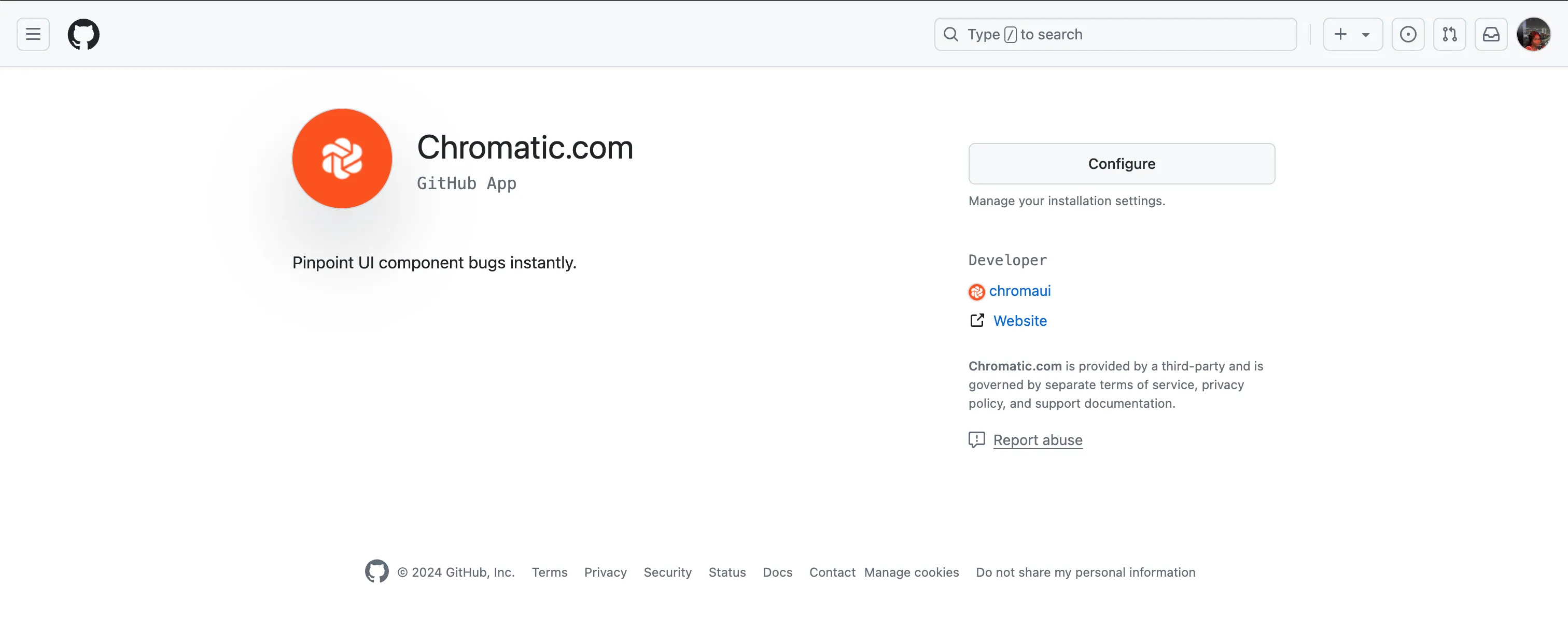
- Select your GitHub organization.
- Select the repositories and save your changes.
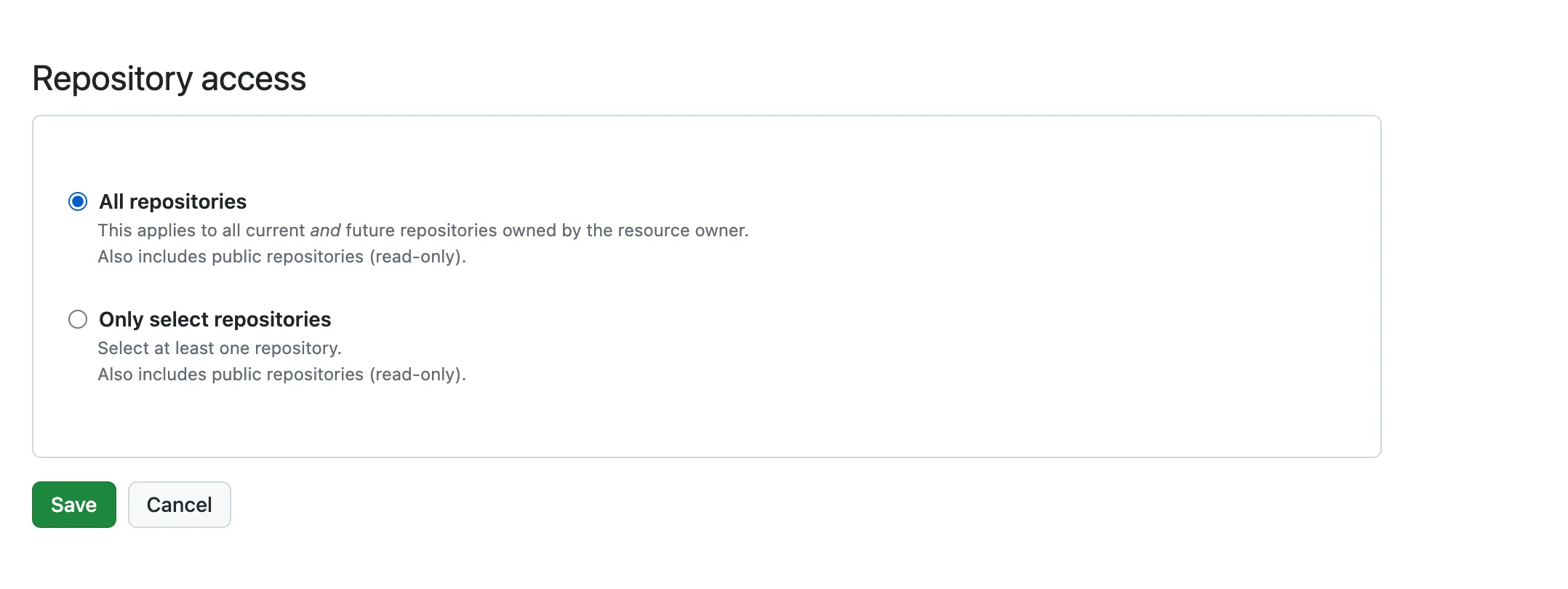
This setting doesn’t limit the repositories shown in Chromatic’s project picker. The GitHub OAuth connection uses the signed-in profile’s repository access. See OAuth and GitHub App permissions.
GitLab
To limit which GitLab projects a connected profile can access, put those projects in a subgroup and add the profile to that subgroup under Manage » Members. Don’t add the profile to the parent group, since parent members inherit access to its subgroups.